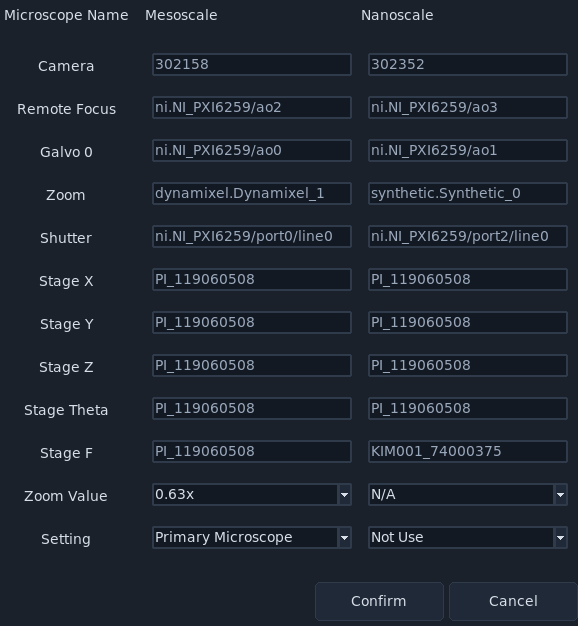
Multiple Cameras
navigate supports multi-camera acquisition across shared or independent microscope definitions.
Enabling Multi-Camera Operation
Before launching navigate, confirm both cameras are recognized by the host computer and receive the same external trigger from the data acquisition card. See Cameras for hardware setup details.
Open .
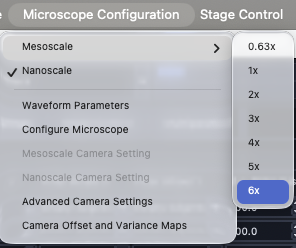
A popup appears with available microscope configurations and hardware details.

Each microscope entry has three configurable options.
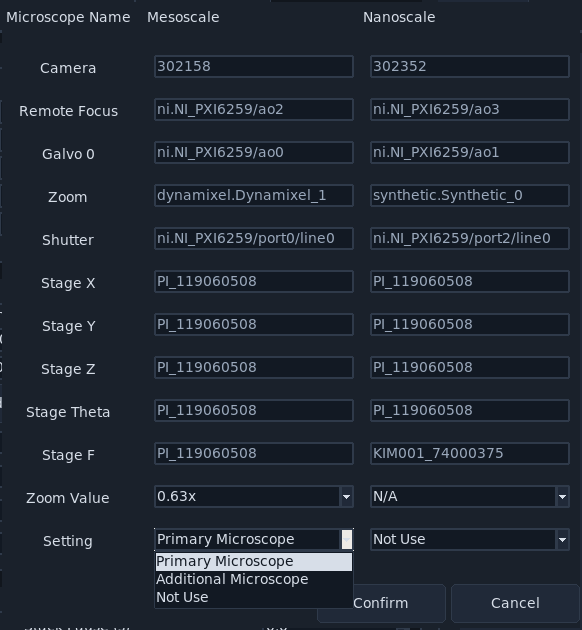
Set Primary Microscope and Additional Microscope, then click Confirm.
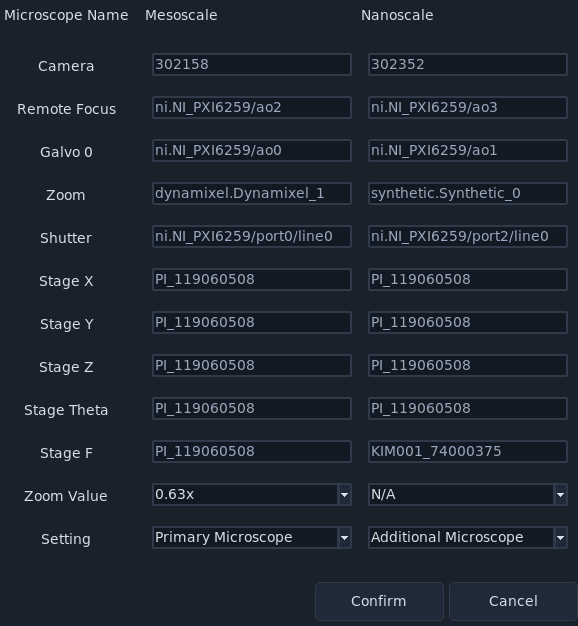
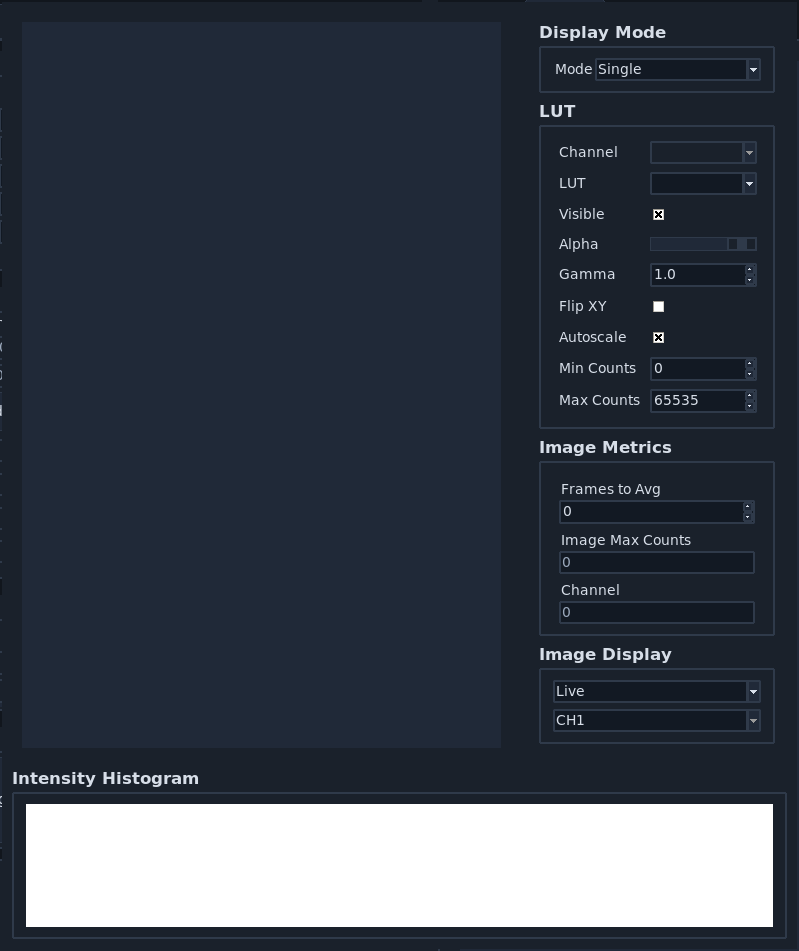
Choose acquisition mode and click Acquire as usual. A popup window appears with images from the additional camera.
Disabling Multi-Camera Operation
When finished with multi-camera acquisition, reset to single-camera mode.
Open .
Set Primary Microscope, then set Additional Microscope to Not Use. Click Confirm.