Acquisition And Settings Notebooks
Acquisition Bar

Left to right, the acquisition bar provides:
Acquire to start acquisition.
Acquisition mode selector.
Current-stack and overall progress bars.
Acquisition time estimate.
Stop Stage emergency stop.
Exit to close the software.
Settings Notebooks
The settings notebooks control acquisition parameters and hardware behavior.
Channels
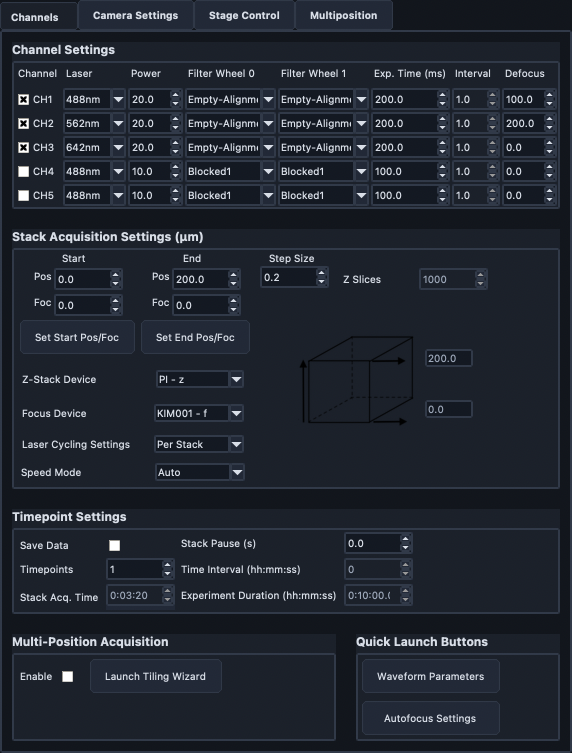
The Channels notebook is split into:
Channel Settings
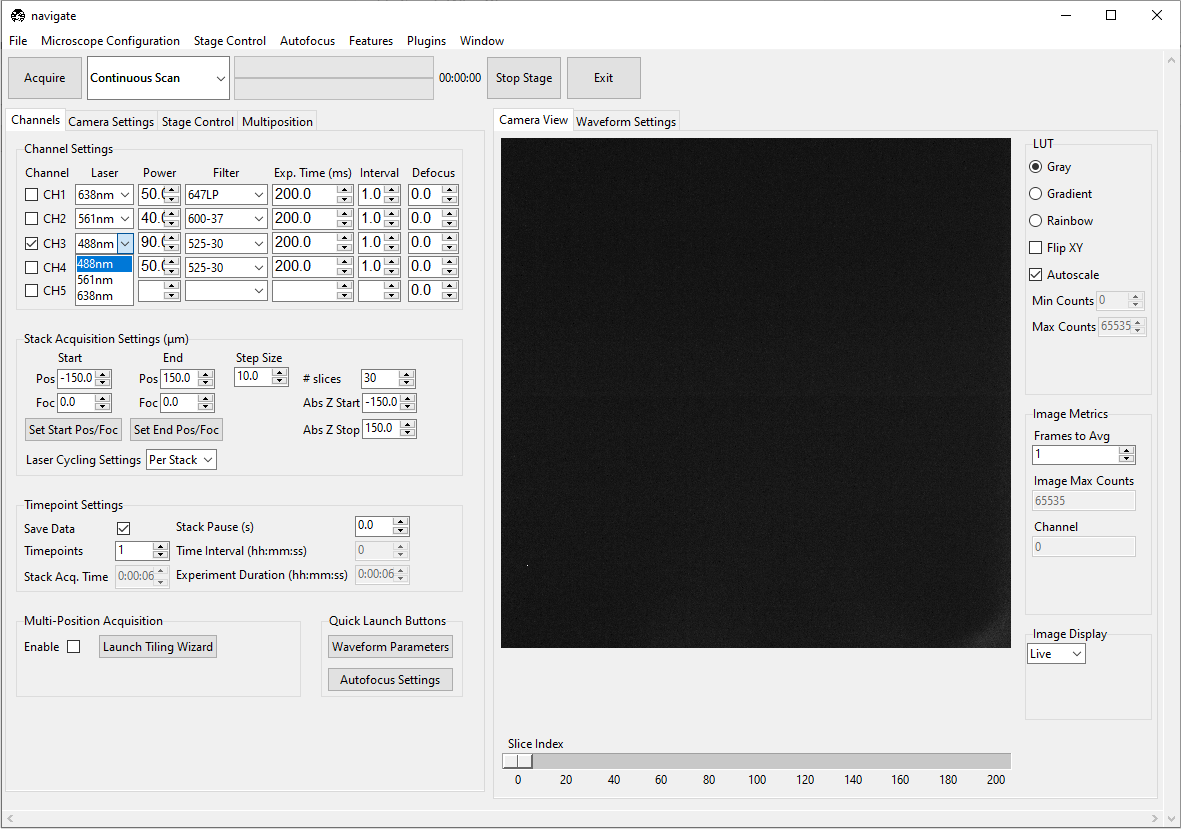
Use this section to define active imaging channels and per-channel acquisition values.
Laser: configured laser source.
Power: laser power (percent).
Filter: detection filter.
Exp. Time (ms): camera exposure time.
Interval: channel cadence relative to other channels.
Defocus: channel-specific offset from the zero-defocus focus position.
At acquisition start, navigate derives the zero-defocus position from the current focus and the active channel’s defocus. It then moves each channel to that reference position plus the channel’s offset. Defocus Reference shows the reference channel and, when an acquisition reference is active, its focus position. Manual focus motion invalidates the active acquisition reference.
Stack Acquisition Settings
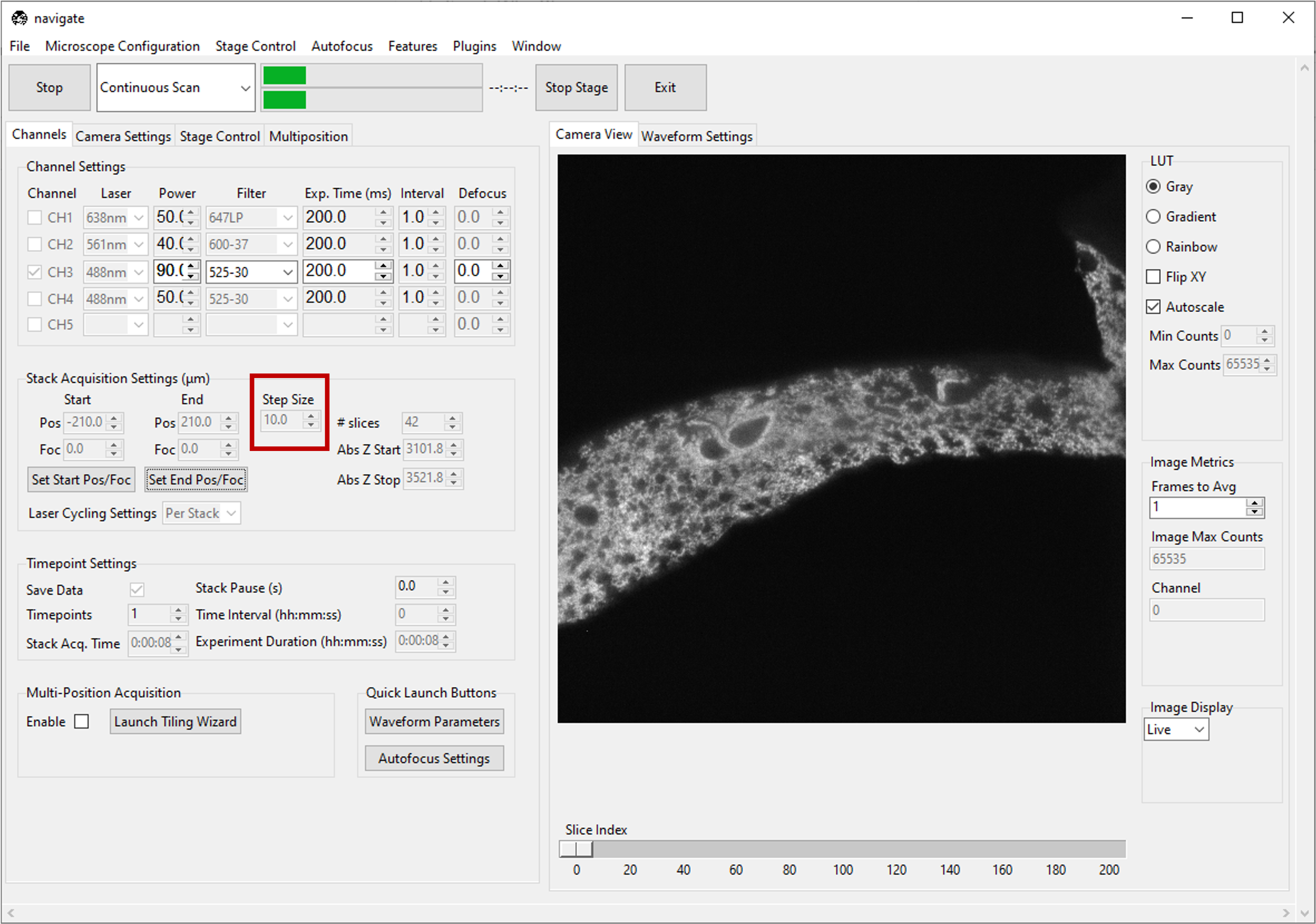
This section defines Z-stack geometry and sequencing.
Start / End are relative stack bounds.
Set Start Pos/Foc and Set End Pos/Foc read current stage values.
Step Size sets spacing in microns; # slices updates automatically.
Z-Stack Device selects the primary Z-stack stage. When multiple stages can move along the Z direction, this is the stage that steps through the planes of the stack.
Focus Device selects the focus stage that is ramped with the primary Z-stack stage when the start and end focus values differ.
Additional stack-device offset controls, when present, move secondary stack stages at fixed offsets from the primary Z-stack stage.
Laser Cycling Settings selects Per Stack or Per Z channel ordering.
Timepoint Settings
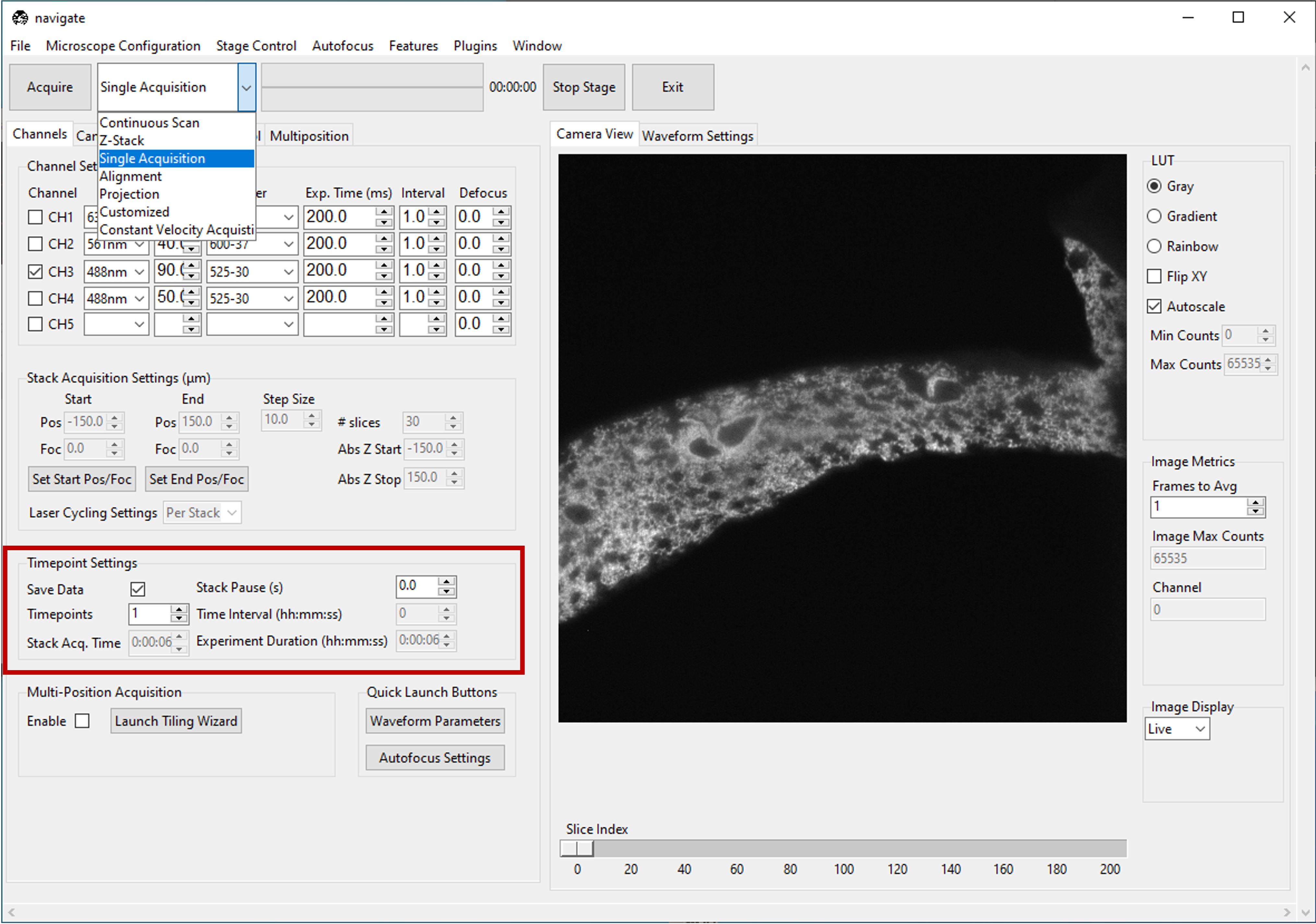
Use this section for repeated acquisitions and save behavior.
Save Data controls whether acquisition is written to disk.
Timepoints sets repeat count.
Stack Pause (s) sets wait time between stack steps.
Time Interval and Experiment Duration estimate total timing.
Note
Timing estimates do not fully account for stage-move latency on all hardware.
Multi-Position Acquisition
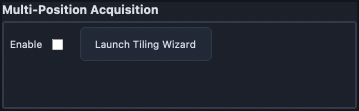
Enable runs acquisition across the Multi-Position table.
Launch Tiling Wizard opens Tiling Wizard.
Quick Launch Buttons
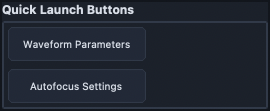
These buttons provide direct access to:
Camera Settings
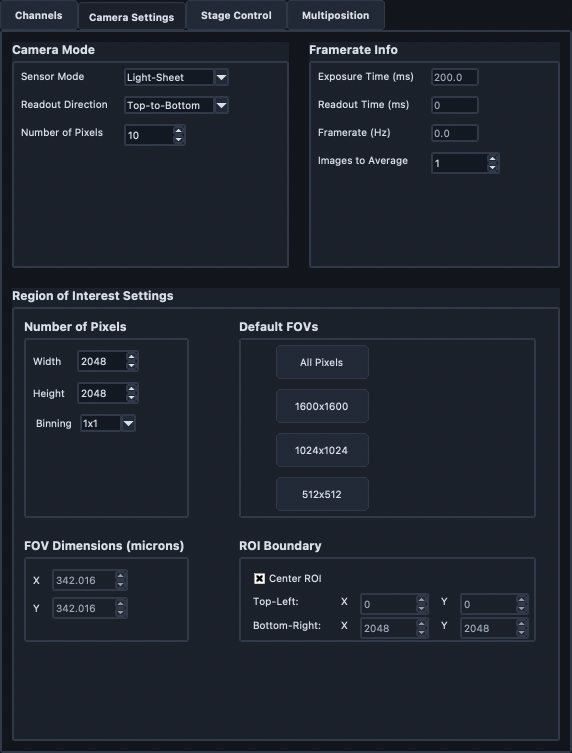
The Camera Settings notebook is split into camera modes, framerate information, and ROI settings.
Camera Modes
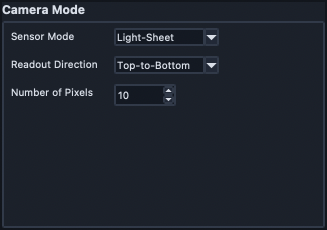
Sensor Mode: switch between Normal and Light-Sheet modes.
Readout Direction: rolling-shutter direction.
Number of Pixels: rolling-shutter width.
Framerate Info
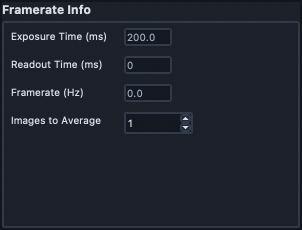
This section reports acquisition-speed metrics.
Exposure Time (ms) and Readout Time (ms).
Framerate (Hz) based on internal frame timing.
Images to Average (future-facing behavior).
Region Of Interest Settings
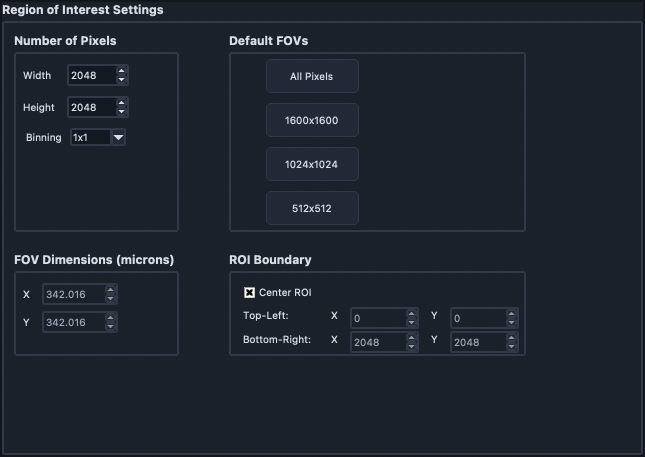
Use this section to define camera ROI and binning.
Pixel dimensions set ROI size.
Default FOVs applies preset ROI sizes.
ROI center controls crop center.